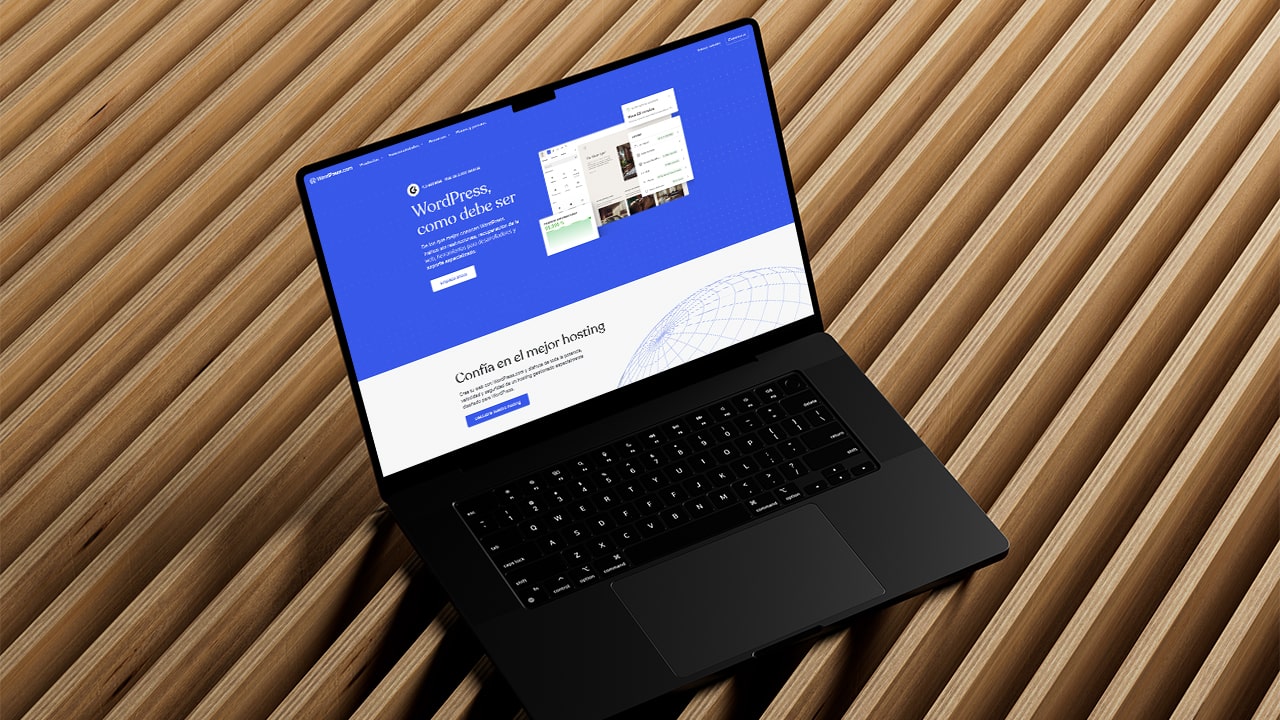
WordPress is free, open-source software for creating websites. It first gained popularity as a blogging platform before evolving into a tool for developing more complex sites.
Before comparing the two versions, we will highlight some of their main features. Whichever version you use, this CMS provides a very solid foundation for building websites.
Although it is easy to understand what WordPress offers, there are several ways to use it. To use it correctly and in line with our needs, we must understand some basic concepts. This article explains the differences between WordPress.com and WordPress.org: they share the same underlying software, but differ significantly.
Versatility
WordPress is an excellent website-building tool. How we approach that task depends on our design and development knowledge. There are simpler ways to build websites, and this software is no exception.
This CMS (Content Management System) allows you to use themes and templates, as well as add custom code. This puts WordPress in a unique position: it offers possibilities for casual creators and design and development specialists alike, with both simple and complex tools available as needed.
Security and stability
Since its launch in 2003, the platform has received regular, consistent updates, helping maintain a reliable and secure environment for digital projects.
Depending on which version of WordPress you use, responsibility for certain security measures rests more heavily with either the platform or the user.
With WordPress.com, hosting is included in the service, so there is no need to arrange it separately, and the platform handles access security measures. With WordPress.org, decisions about hosting, user accounts and installed plugins are our own responsibility.
WordPress.com
WordPress.com is a platform that lets you create a blog or website under its domain, such as "yourdomain.wordpress.com", with more limited options than its counterpart, WordPress.org.
Its main strength is the ability to create a website in a few clicks with little web design knowledge. Although those limitations affect scalability, they also make this version of the CMS easier to use.
While WordPress.com can be practical, everything comes at a cost. Setting up a site is straightforward, but accessing additional features such as an online shop requires a suitable paid plan. This is where WordPress.com may compare less favourably with its counterpart.
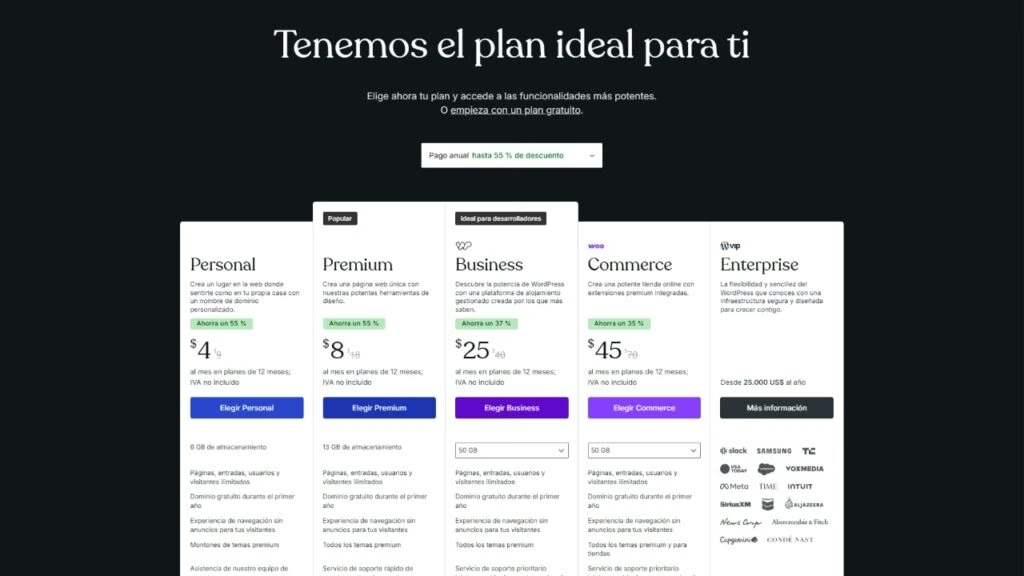
Alongside its free service, WordPress.com offers five plans:
- Personal $9 /month
- Premium $18 /month
- Business $40 /month
- Commerce $70 /month
- Enterprise from $25,000 /year
All prices are in US dollars.
Other features include:
- Free hosting plans
- Paid hosting plans with different features
- Plugin and theme installation with restrictions depending on the plan
- Maintenance and updates managed by the platform
- Monetisation restricted on the free plan and limited according to the selected plan
- Ecommerce available from the "Commerce" plan
- Ideal for beginners, casual bloggers and anyone wanting a simple, all-in-one solution
WordPress.org
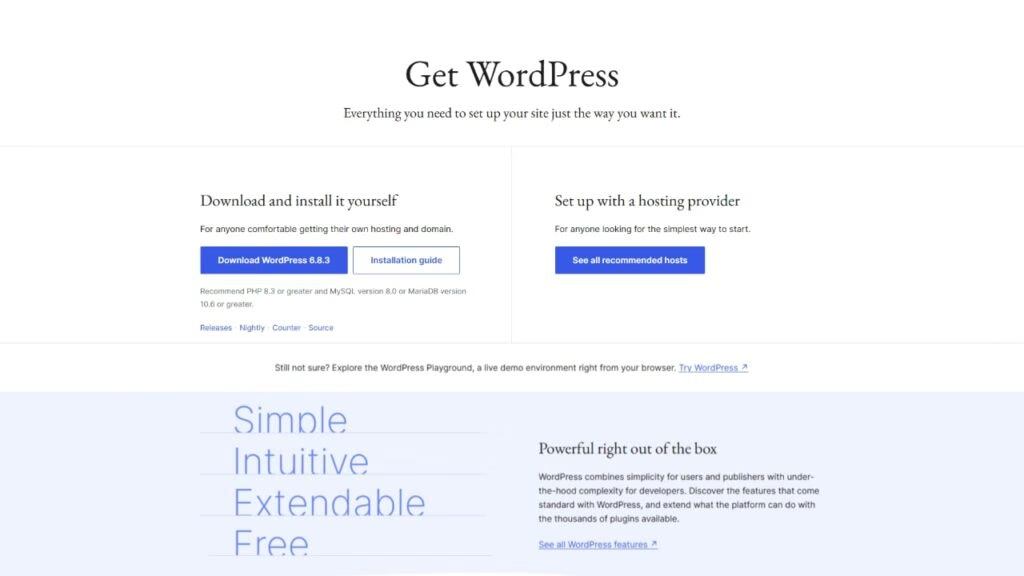
This CMS must be installed in a suitable hosting environment. To do this, visit WordPress.org/download where you can download the software completely free of charge and then install it on your chosen server.
To obtain server space, we need a hosting service. At Ronin, we work with Duplika Web Hosting to host our projects. Such services usually offer several plans suited to different needs, determined by the project and its audience.
Another way to install it is through tools such as cPanel, usually provided by web hosting services. These let you manage not only the CMS but also related tasks such as email accounts and databases. Many hosting providers include a control panel that enables installation in a few clicks.
These processes are slightly more complex than those offered by WordPress.com, but the possibilities are far greater and the costs much lower.
Taking WordPress apart
Now that we have an idea of the differences between WordPress.com and WordPress.org, it is worth explaining that both support themes and plugins, but using them on .com requires a subscription to the "Business" plan or above.
Themes and templates
Once WordPress is activated or installed, we can configure the default theme and global settings such as typography and colours. Then we need to choose how to build the site.
For something more comprehensive, we can choose a free or paid theme. Paid templates may cover almost any requirement for our site, including online shops.
Although themes can solve many needs, their own visual direction imposes limits. They can produce excellent results, but without the precision available through a visual builder. Some themes are more versatile than others, and some include visual builders that allow considerable design adjustment. Remember that this version of WordPress is highly scalable in design terms; everything depends on how we choose to use it.
Visual builders
By default, WordPress uses Gutenberg, a somewhat limited visual builder that can nevertheless deliver excellent browsing performance. It is very lightweight and free.
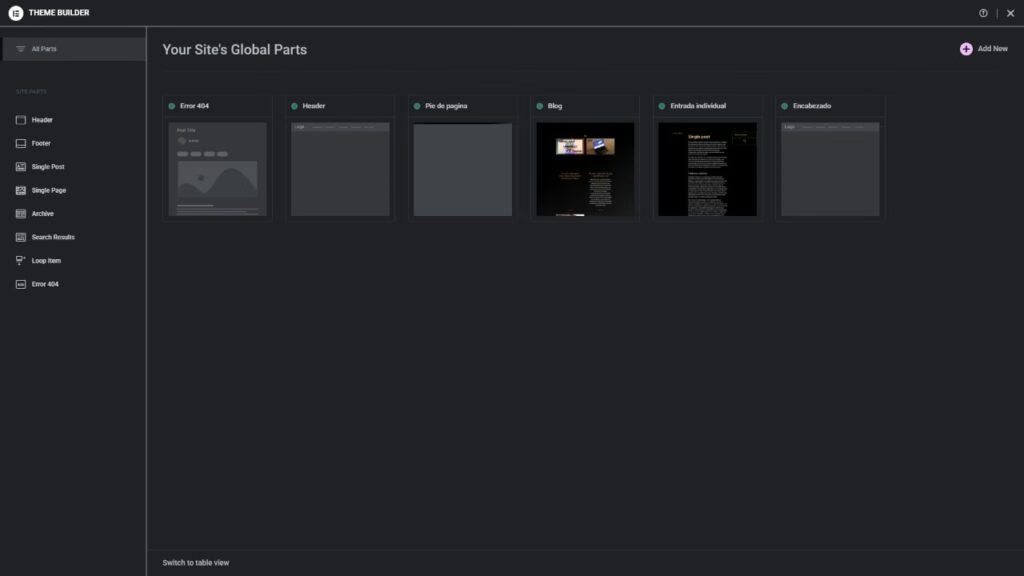
Another way to build a WordPress site is to install a visual builder such as Elementor or Bricks. Builders like these allow greater customisation, but also require substantial knowledge of both web design and the tools themselves. Although they often offer templates, we get the most from these plugins by using their resources to create detailed designs closely aligned with our project's requirements.
At Ronin, we offer a fully bespoke design service with a high level of detail and precision. To learn more about this service, you can visit this page where we explain how we work.
Plugins
While visual builders are plugins, there are many other kinds of extensions. This is where much of WordPress's potential lies: there are countless plugins offering all kinds of functionality.
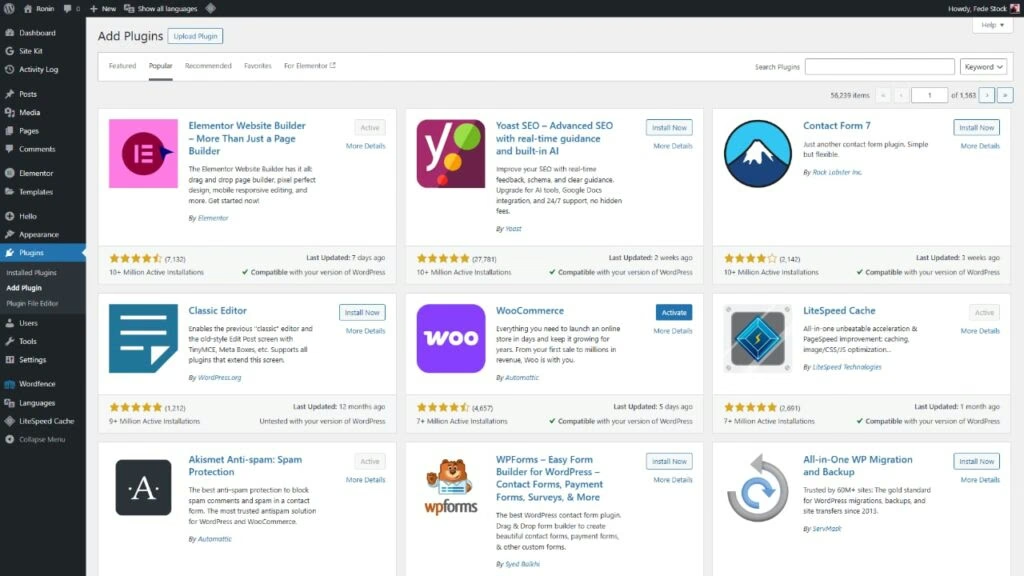
Plugins can improve website security, translate a site, turn it into a shop, offer different payment methods, configure SEO, optimise caching performance and much more.
There are free, freemium and paid plugins. Most use a freemium model, offering a set of features for free and unlocking additional ones with a purchased licence.
Menus
In both WordPress.com and WordPress.org, menus are essential to a website's structure. They are created in the same way in both versions, using existing pages or categories and custom links. Menus can then be placed in different areas of the site, including the header and footer.
Conclusions
From this overview, we can conclude that although the available tools do not differ greatly, WordPress.com has a much gentler learning curve than its counterpart, along with many limitations. Many of those limitations can be removed by paying considerably more than with WordPress.org.
A clear example is building an online shop. In this case, we would need to pay US$70 per month simply to unlock that functionality on WordPress.com. With the .org alternative, we would instead pay around US$15 to US$25 per month for hosting.
The same situation applies to sites without a shop that still need themes or plugins. When building with WordPress, investing in these tools is often likely and worthwhile. Adding the cost of activating a WordPress.com business plan can make the overall budget less attractive.
Ultimately, we believe WordPress.org is the best choice for its high degree of independence, while WordPress.com suits casual or informal websites. When considering free alternatives, comparing other online website-building services can also be useful.
At Ronin, we choose WordPress.org not only for its flexibility but also for its enormous potential to scale projects as needed. The responsibility that comes with that decision matches the commitment we bring to every digital project. If you would like to work with us or ask a question, feel free to get in touch, we are here to help.